Bluetooth hearing aid guide
Bluetooth Hearing Aids: What to Test at Your Fitting
Check how Bluetooth hearing aids pair with your phone and TV, what LE Audio and Auracast add, and what we test at a Westchester fitting. Book a visit.
Read time: 8 min read
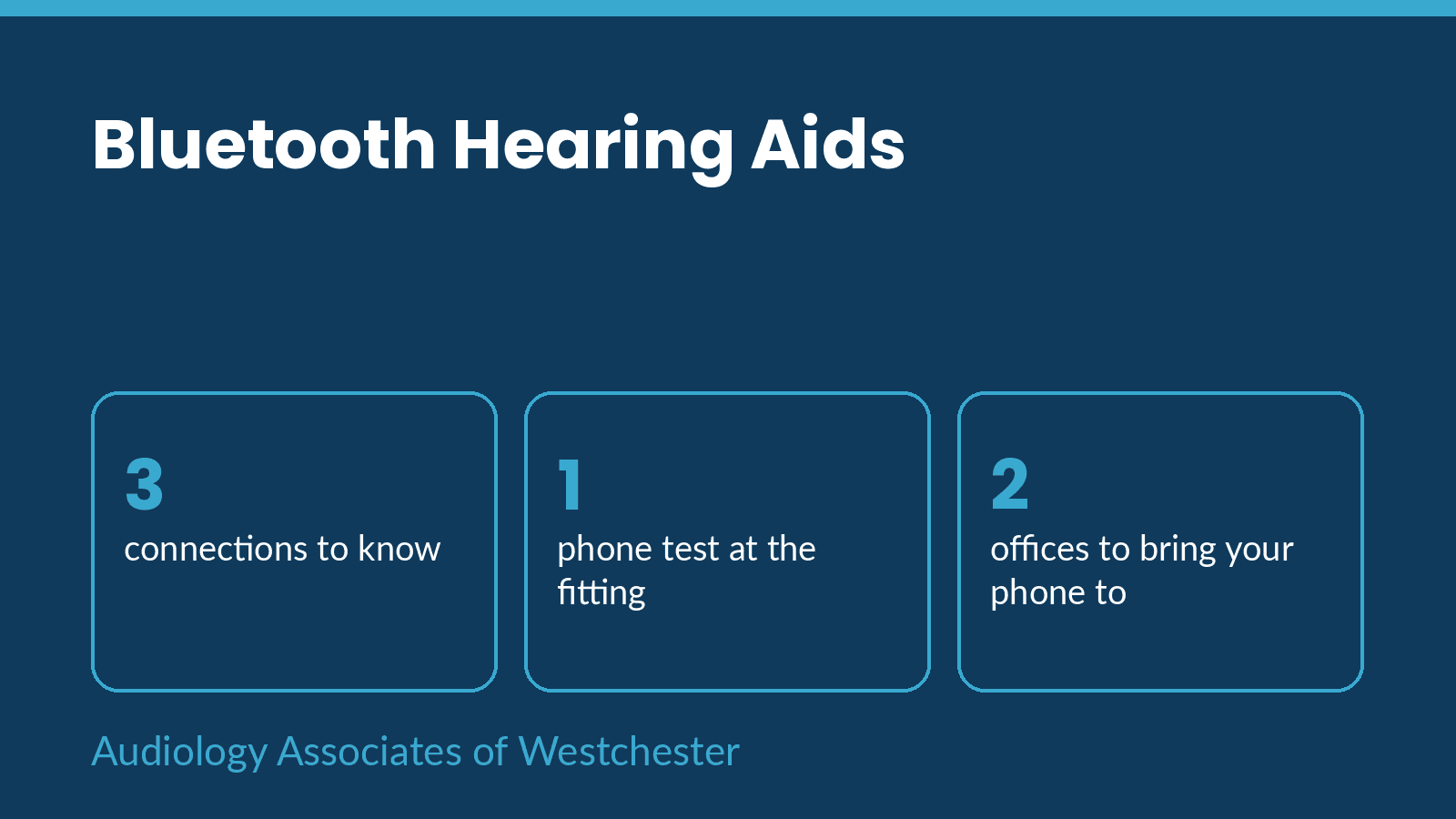
The best way to choose Bluetooth hearing aids is to test them with your own phone, your own TV and the places you visit. Brochures list features, but a connection that works on one phone can need extra steps on another. At Audiology Associates of Westchester we pair the aids with your devices during the fitting, so you know what works before you leave.
Bluetooth in a hearing aid covers three things. The first is the classic connection to your phone. The second is LE Audio, a newer standard. The third is Auracast, a broadcast feature for venues. This page shows what to test for each. For a quick model-by-model view, see our guide to Bluetooth hearing aids: what to know before buying.
“Test the aids with your phone, your TV and your places.”
The fitting-day test list
The table lists what we test, how we test it and what a good result looks like. Bring your phone, and bring the charger for your TV box if you have one.
| Connection | What we test | Good result |
|---|---|---|
| Phone call | Pair, place and answer a call | Clear voice in both ears, no dropouts |
| Music or video | Stream from your phone | Steady sound at a comfortable volume |
| TV | Pair the TV transmitter | Clear speech without raising the TV for others |
| App | Change volume and program | Changes happen fast and stay set |
| Venue | Ask about your place of worship, theater or gym | We tell you what it broadcasts, if known |
Phone pairing
iPhone and Android connect to hearing aids by different routes. We pair your phone, place a call, play music and open the maker's app. If something fails in the office, we fix it there. If it fails at home a month later, call us.
TV and computer
Many hearing aids need a small transmitter to stream TV. We ask which TV and which box you use, then check that the sound is clear and that the volume works for the rest of the room. If you use a computer for video calls, we test that too.
Venues and Auracast
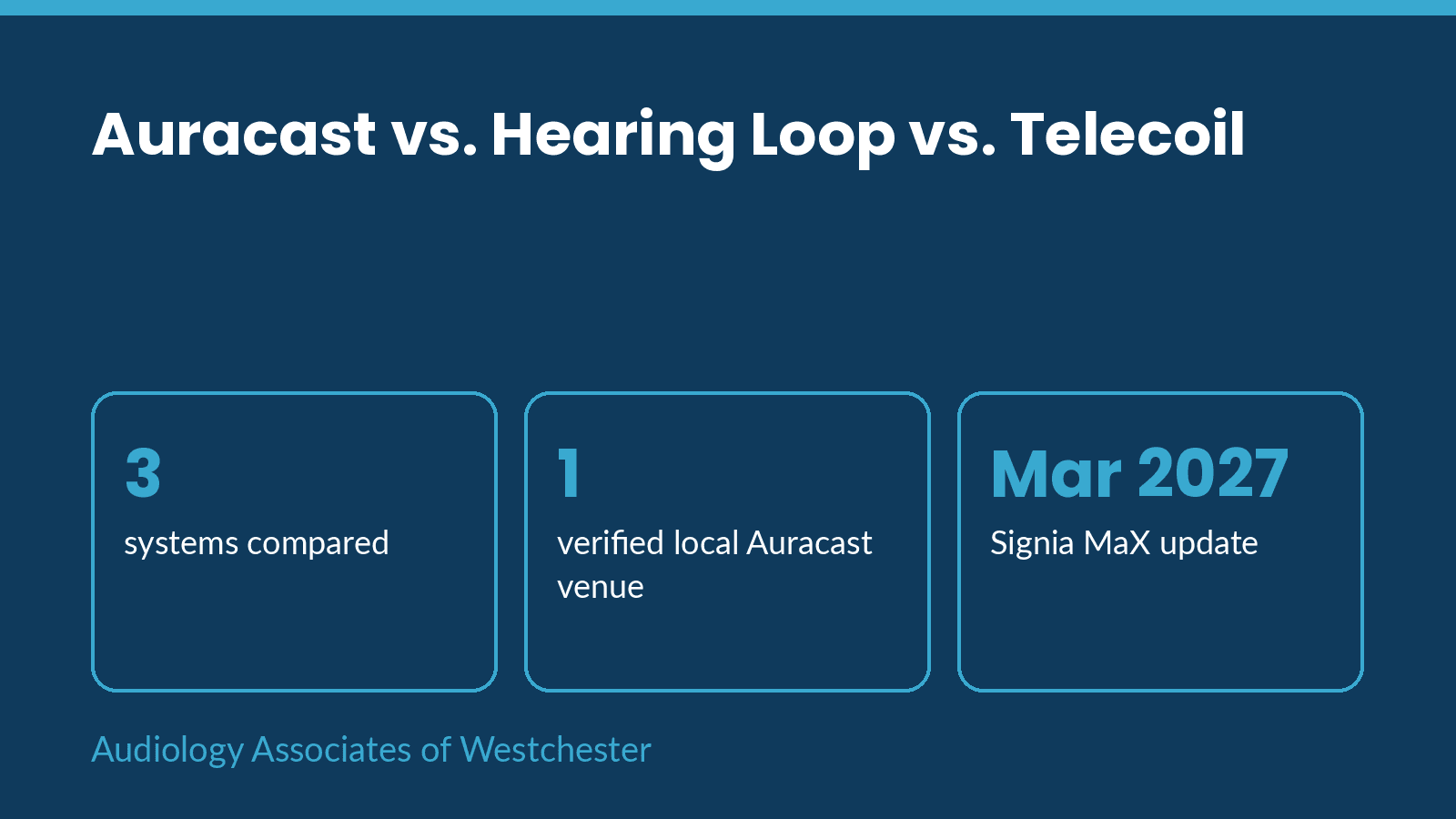
Auracast needs an aid that supports it and a venue that broadcasts. Our story on the first U.S. theater to go live shows what that looks like in practice. Our comparison of Auracast, hearing loops and telecoils explains the older option. Signia says MaX gets Auracast by a firmware update due by March 2027, so ask any seller what works today and what is promised.
When your phone changes
A phone update or a new phone can change how aids connect. If streaming stops after an update, call us before you reset anything. We can often fix pairing in a short visit.
Book a visit
Call our Harrison office at (914) 949-0034 or our Somers office at (914) 556-6720 to book a visit. Harrison is at 550 Mamaroneck Avenue, Suite 407. Somers is at 325 NY-100.
Last updated and sources
Last updated November 4, 2026. What changed: this is a new page. Company descriptions are the companies' own.
Medical information
This page gives general information. It is not medical advice and it does not diagnose or recommend treatment. Sudden hearing loss, hearing loss in one ear, ear pain or dizziness need prompt medical care. Call Harrison at (914) 949-0034 or Somers at (914) 556-6720.
Common questions
Do all hearing aids stream from a phone?
Most current ones do, but the connection differs by phone. We test yours.
What is Auracast?
A venue broadcasts one signal to many listeners. You need an aid that supports it and a venue that sends it.
Do I need a TV transmitter?
Often yes. We check which one suits your TV.
Will my aids work with Android?
Many do. Bring your phone to the fitting.
What if streaming stops after a phone update?
Call us before you reset the aids.
Is a telecoil still useful?
Yes, if you visit venues with hearing loops.